 CueWeek
EVERY POST.ONE APP.
You run several brands. Each one has something to say. See all their posts together and plan your next week in one Mac app.
Get early accessWorks with ChatGPT (Codex) and Claude via MCPFor macOS. The first public release is in preparation.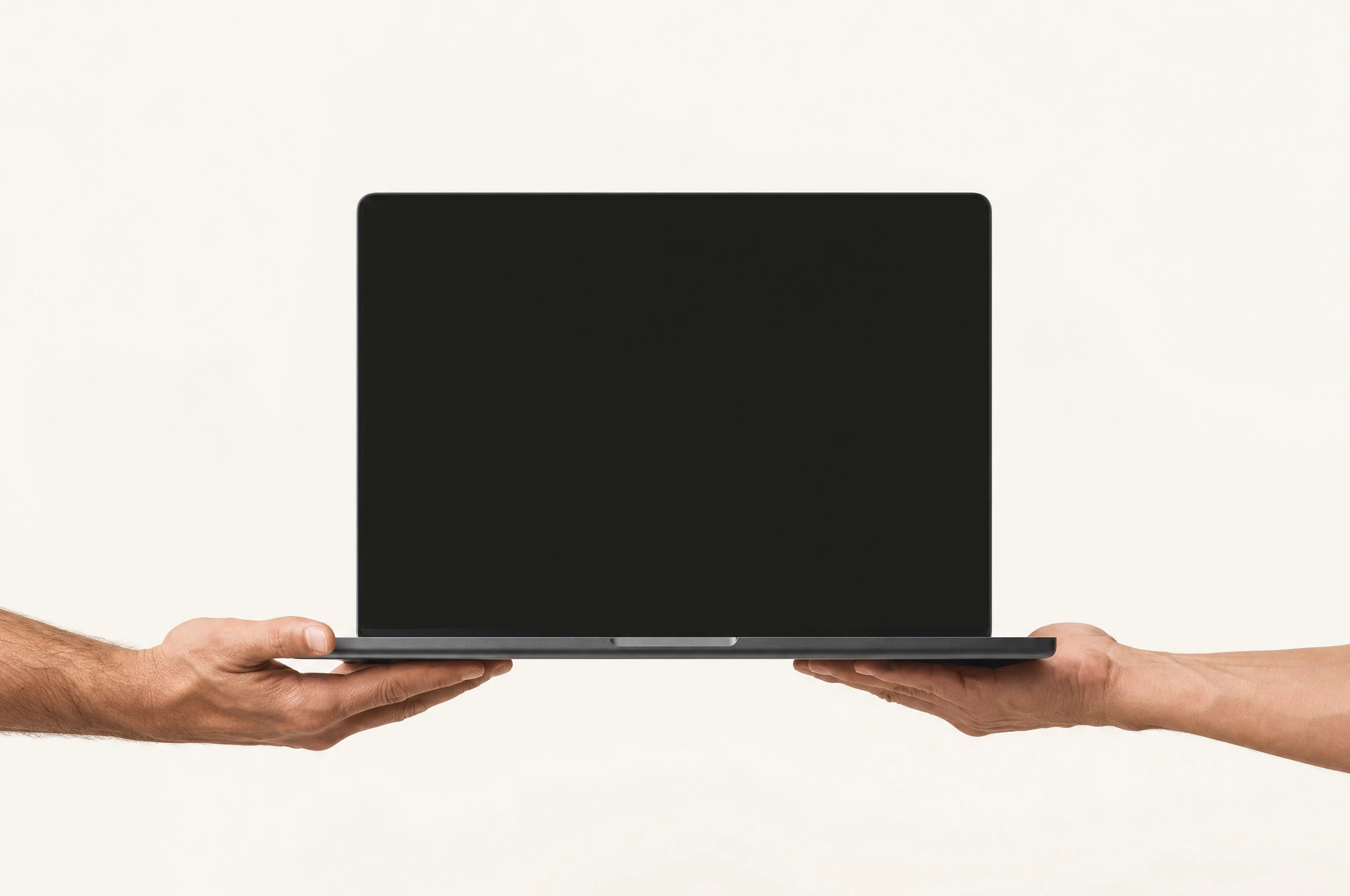
Now I’m passing it on.
A post for the studio. A Reel for Habitat. What about Selfdot?
When every brand has its own calendar, you have to rebuild the rest of the week in your head. You want to know what went out, what is coming up and where a new idea fits. I know that problem from my own work.

 Motion Pikczer
 Habitat System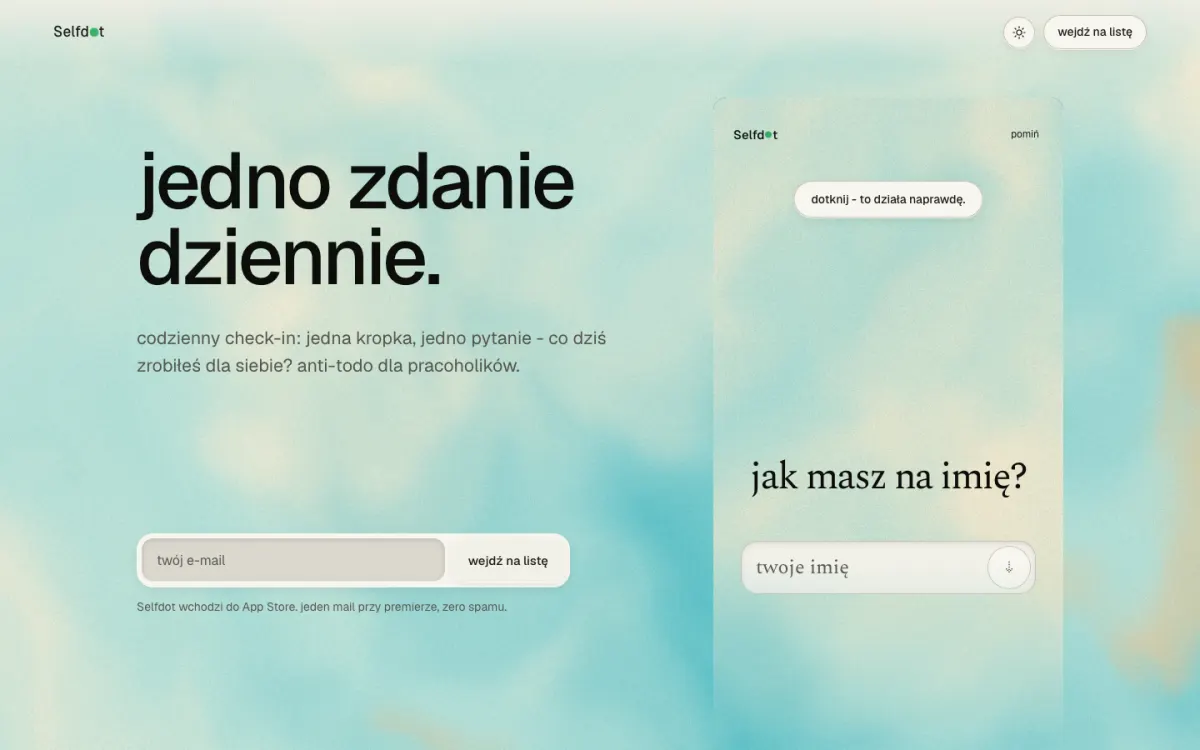
 Selfdot
Every project has its own rhythm.
You have one week.
Open CueWeek.
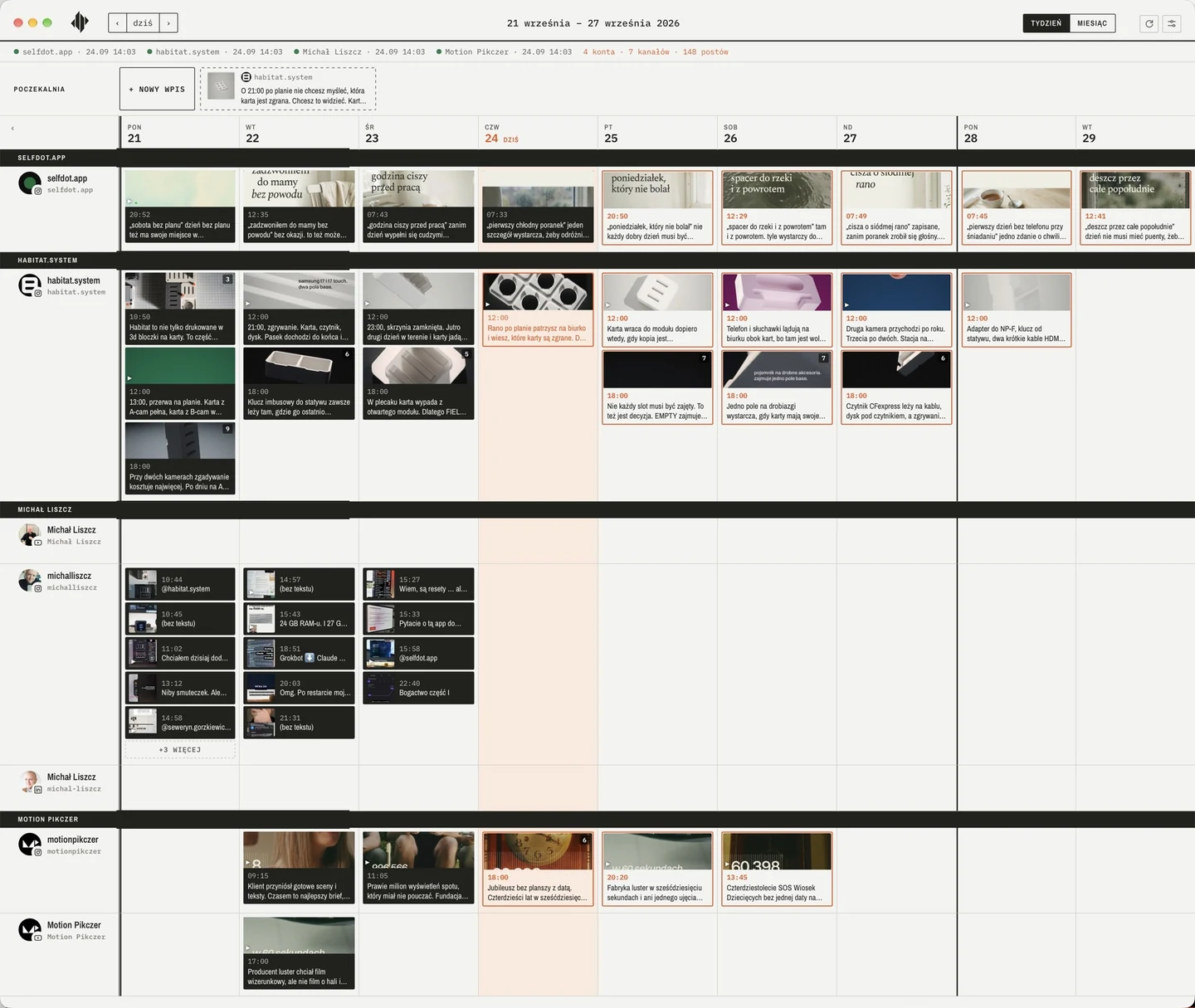
See the whole week.
No need to check each brand one by one. Every channel is in one window, so you can decide what to publish next.
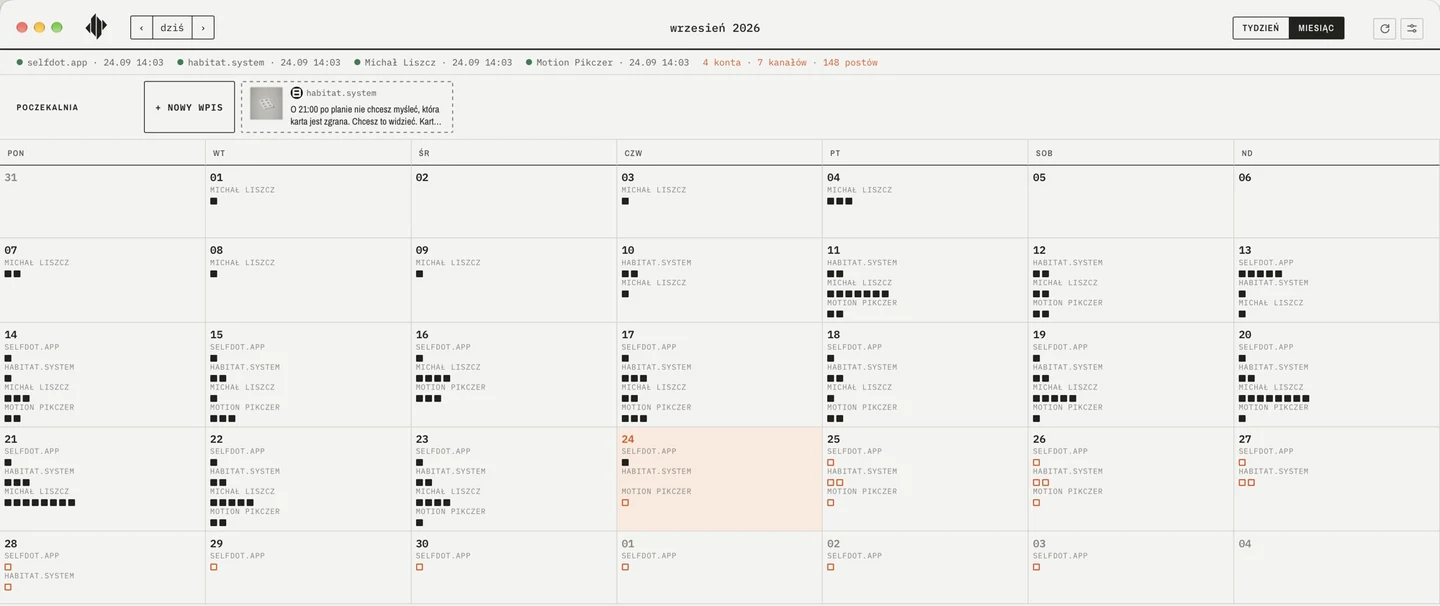
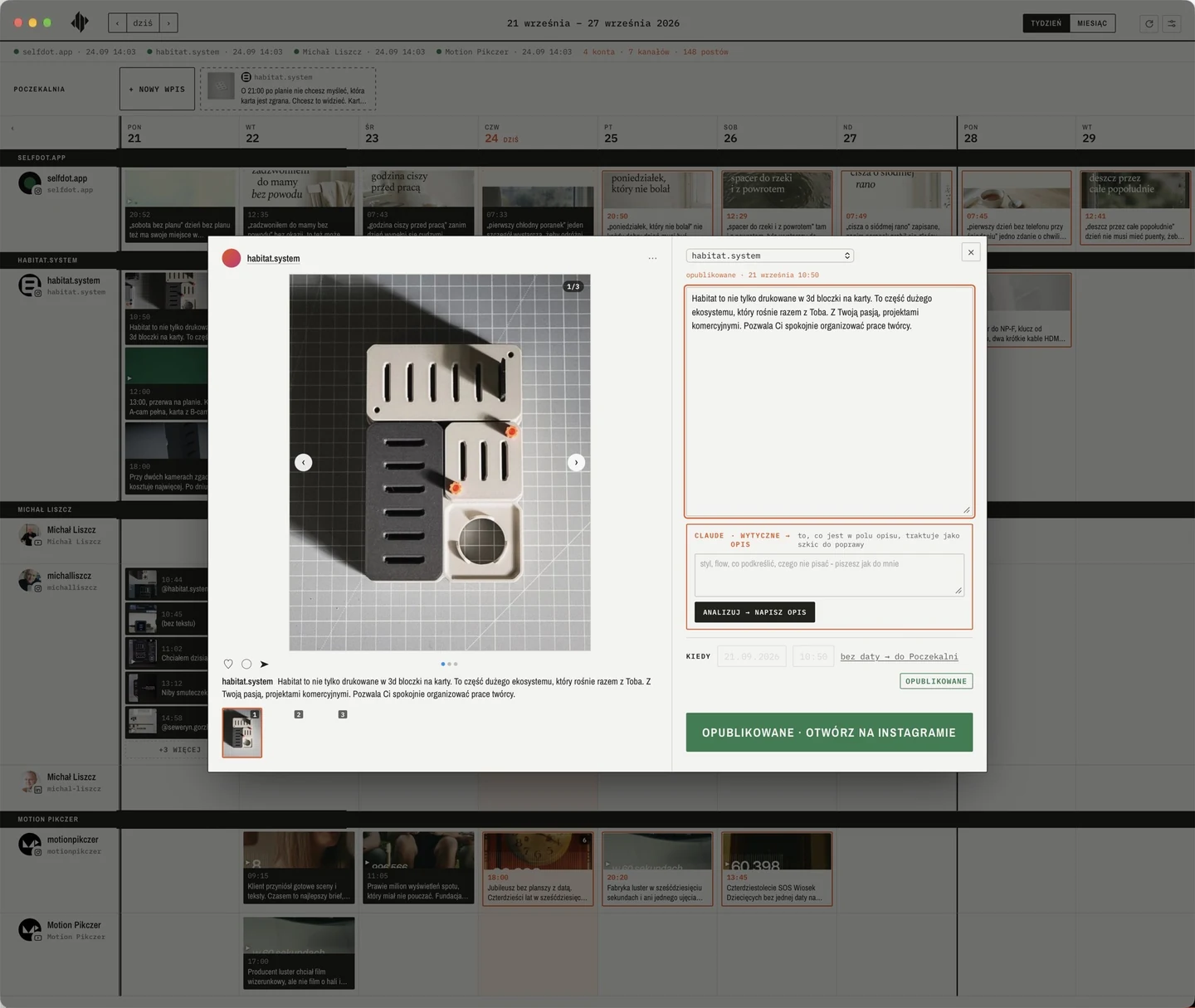
A real screen from the app I use.
Open the screen to see it full size.Integrations
MCP in CueWeek, available since Build 2.3.0.
Connect CueWeek to Codex (ChatGPT), Claude Code or the Claude app on your Mac.
The assistant walks you through connecting Buffer and your profiles, checks what CueWeek can see and reads your posts for the week. It can also save a brand voice that CueWeek uses to generate captions.
How to connect
- Move CueWeek to Applications and open it. Go to Ustawienia (Settings), then Asystent AI, and select EN.
- Click “Connect to Claude and Codex”. CueWeek adds its MCP server to the supported assistants it finds on this Mac.
- Click “Copy prompt” and paste it into a new conversation in Codex or Claude. Quit and reopen the Claude app first.
You enter passwords and codes yourself in the browser. The assistant guides you one step at a time, in Polish or English.

From my Mac. Into your hands.
I run the Motion Pikczer film studio. I build Habitat System, habitat flow and Selfdot, and document my work under my own name. Each project needs attention. I did not want to keep remembering which calendar had which post.
“Three accounts meant three separate calendars, and none of them showed the whole picture.”
That was why I started building this app. I began on September 11 and was already planning posts with it that evening. I use it every day. CueWeek is the next step: a version I can share with you.
Read how it started

Pay once. Plan your way.
No extra calendar subscription. You buy CueWeek once and use your own Buffer account, with its own plan and limits.
Get early accessPrice and terms will be shown before purchase. Asking for early access does not commit you to anything.Before I hand you the app.
The first release for other users is in preparation. Here is what we know so far.
Can I download CueWeek yet?
Not yet. The working app is the starting point; I am preparing the first release for other users. Write if you would like a launch update.
Do I need a Buffer account?
Yes. CueWeek uses Buffer for planning and publishing. You use your own account, with its own plan and limits.
What does the app run on?
CueWeek is being built for macOS. The first release is for Mac. I will share the system requirements before the installer is available.
What does “pay once” mean?
The plan is a one-time purchase. You keep the version you buy; the price and update terms will be shown before sale. Buffer is a separate service.